Hier ist der Artikel — bereit zum Einfügen in dein CMS:
Job Search Tool: One Search. Dozens of Platforms. Zero Chaos.
Finding a job is hard enough. Searching for one shouldn’t be.
If you’ve spent any time on the modern job market, you know the routine: open LinkedIn, then Indeed, then a remote job board, then a country-specific portal, copy the interesting listings into a spreadsheet, realize you forgot to check two other sites, go back, find duplicates, lose track of what you’ve already seen, and end up with a folder of browser tabs and a growing sense of dread. Hours pass. You’ve applied to nothing.
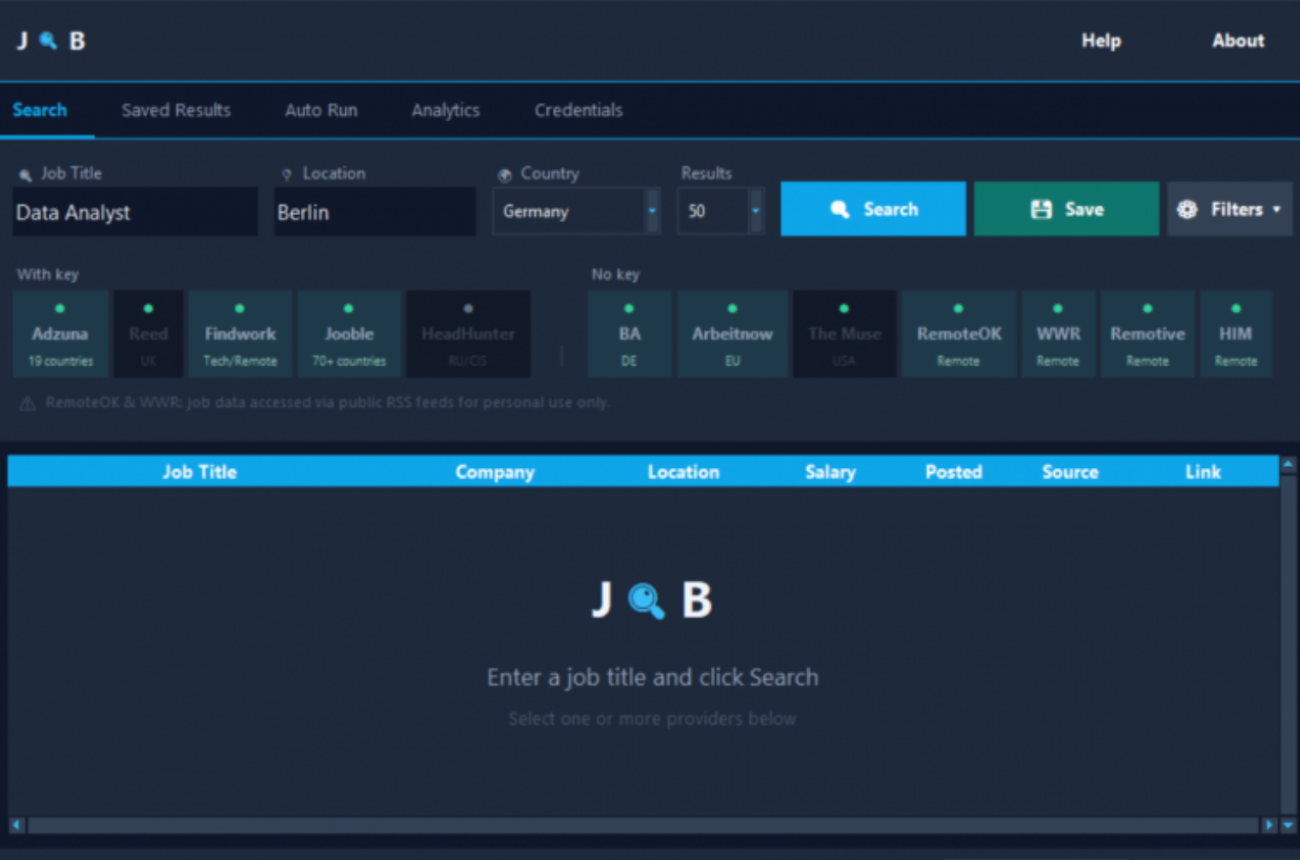
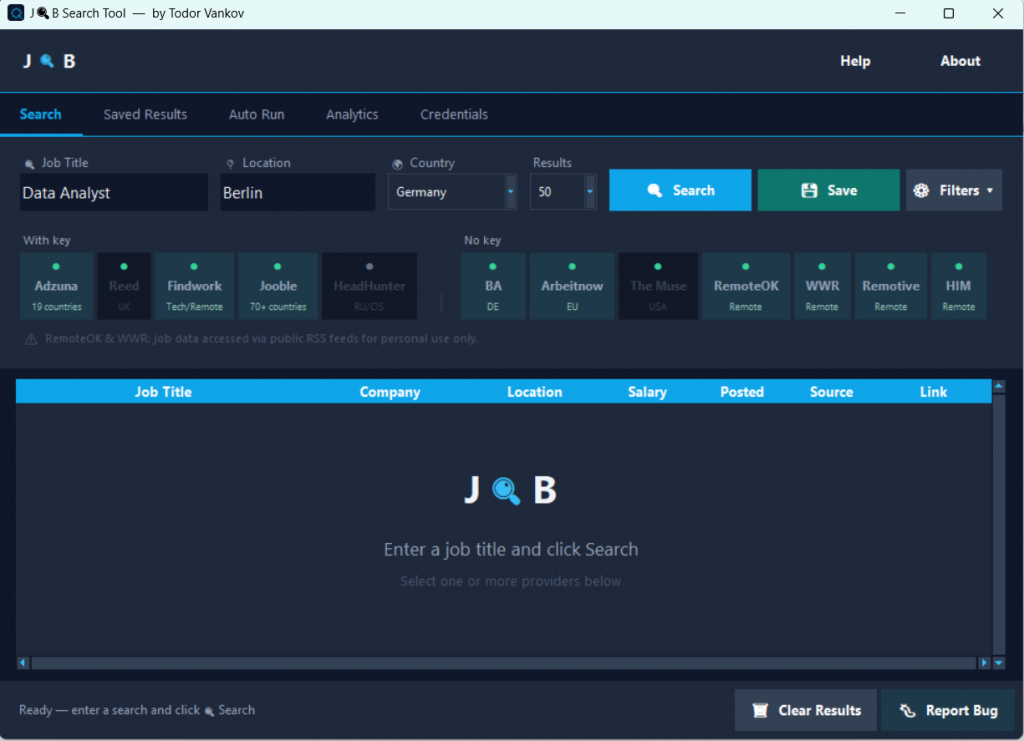
Job Search Tool is a free, open-source Windows desktop application that cuts through that chaos. It lets you search across up to 12 job platforms simultaneously from a single clean interface, automatically saves your results to Excel, filters out duplicates, and can even run a fresh search every morning before you wake up — so your job hunt keeps moving even when you don’t.
The Problem with Job Searching Today
The modern job market is fragmented by design. Employers post on different platforms depending on their industry, size, location, and budget. A startup in Berlin posts on Arbeitnow. A London agency posts on Reed. A Silicon Valley tech company posts on The Muse. A fully remote team posts on RemoteOK, WeWorkRemotely, and Remotive — sometimes all three.
To have a complete picture of what’s available, job seekers have to maintain accounts on dozens of platforms, run repeated searches with slightly different keywords, and manually reconcile the results. The process is not just tedious — it’s inconsistent. Miss a day, and you’ve missed a window.
Key Features
Multi-Provider Search with One Click
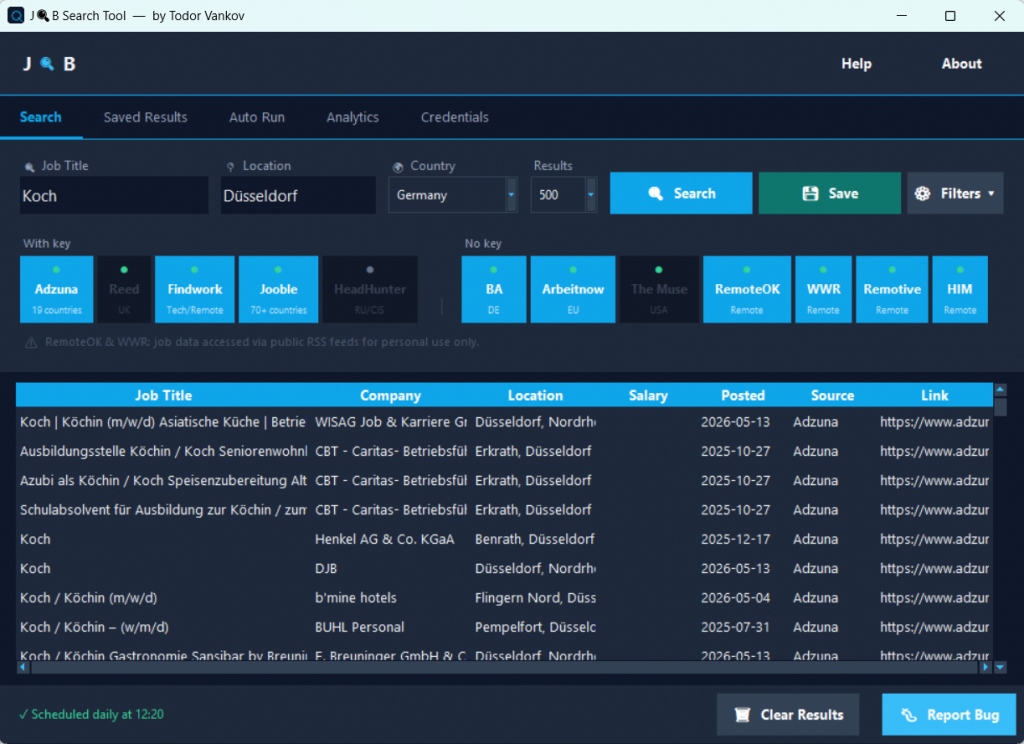
Enter your keywords, select your providers using the visual chip interface, and hit Search. Results from all active providers flow into a single consolidated list. Clicking any listing opens it directly in your browser — straight to the original job post.
Provider Chips — Enable or Disable Any Source Instantly
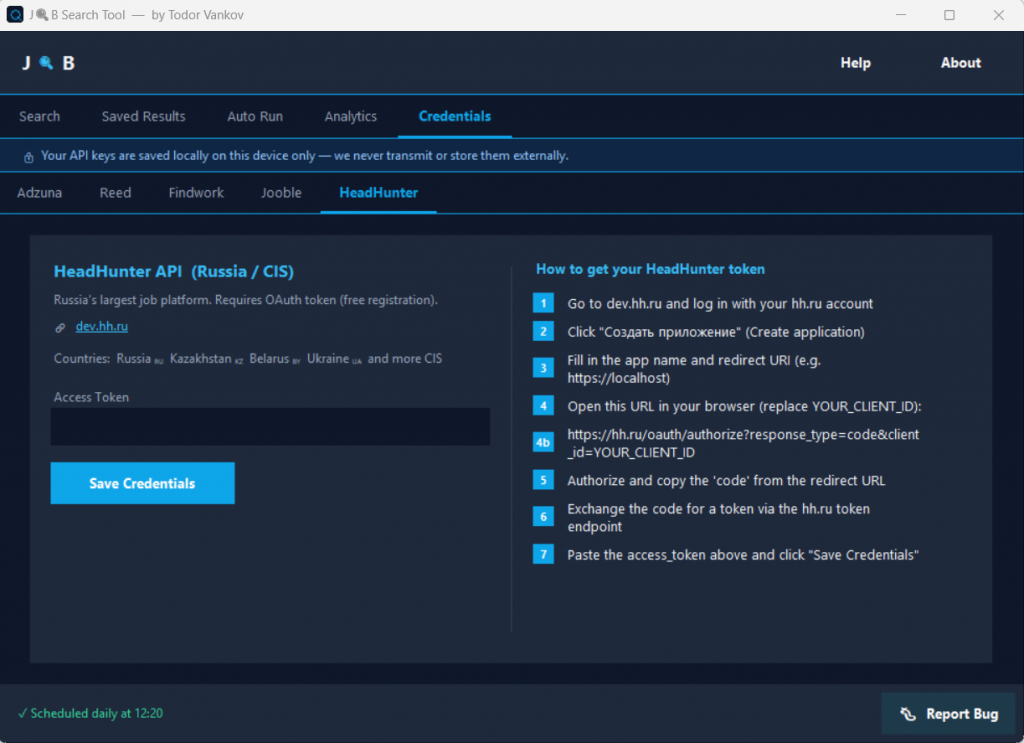
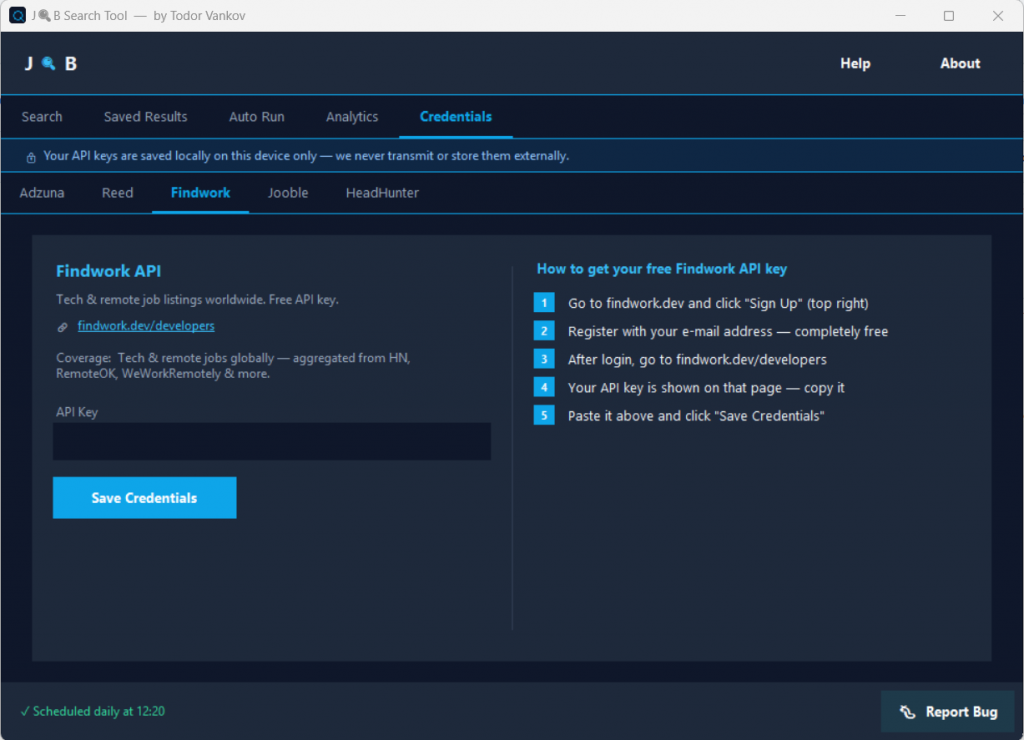
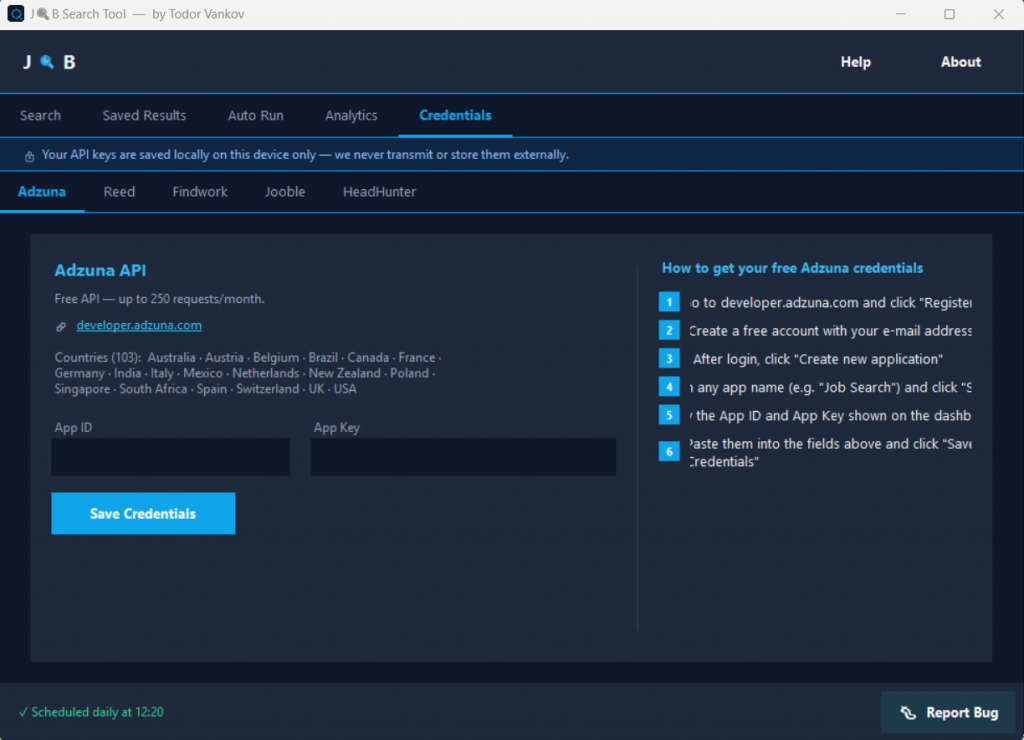
Each of the 12 supported providers appears as a clickable chip. Enabling or disabling takes a single click. Entering an API key and saving it automatically activates that chip — no extra steps required.
Automatic Duplicate Detection
When pulling results from multiple platforms simultaneously, duplicates are inevitable. Job Search Tool automatically detects and suppresses them so your results stay clean.
Excel Auto-Save and Job Tracker
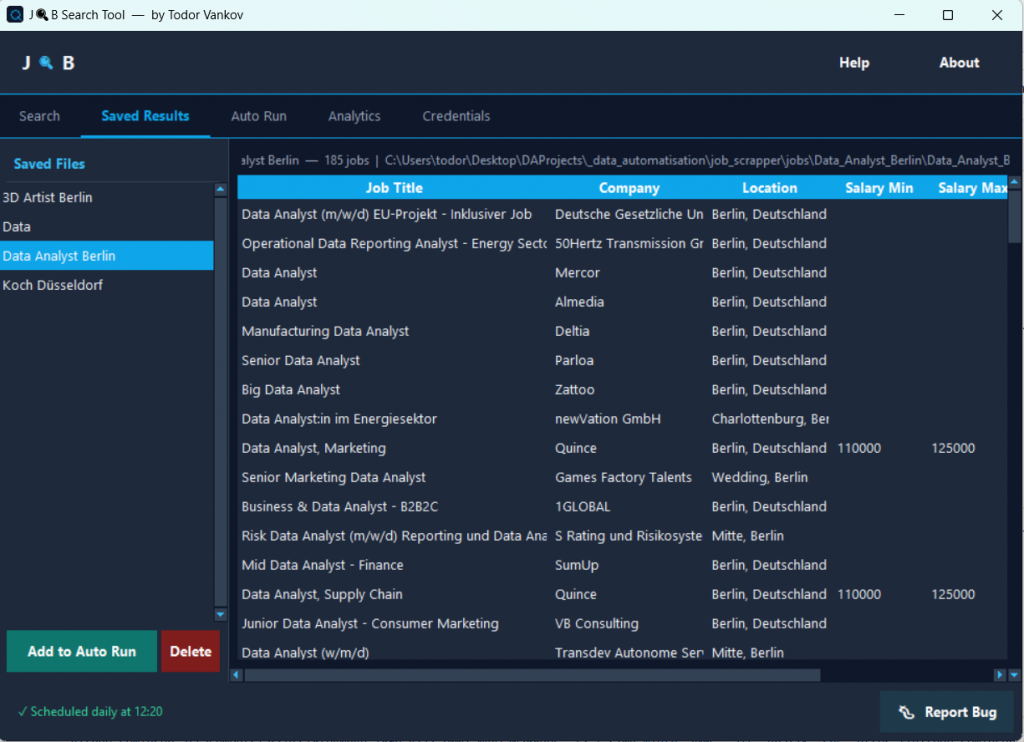
Every search is automatically saved to an Excel file on your machine — structured and ready to use. Over time it becomes a searchable log of every opportunity you’ve encountered, organized by date and provider.
Saved Results Browser
A built-in panel lets you review previously fetched results without leaving the app or re-running a search.
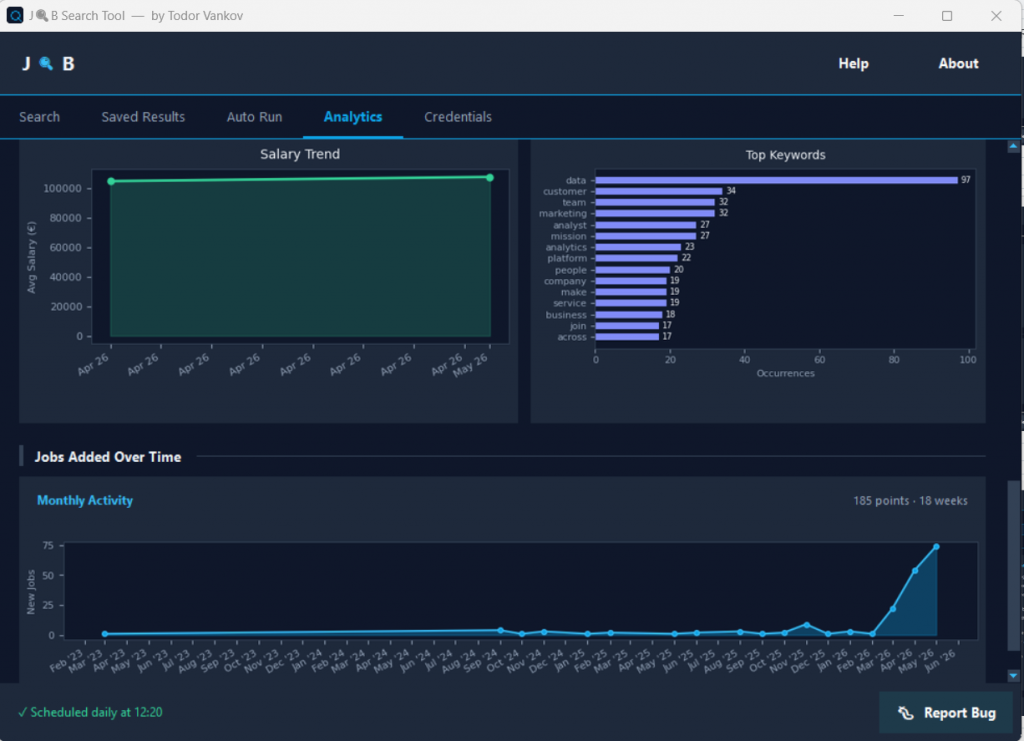
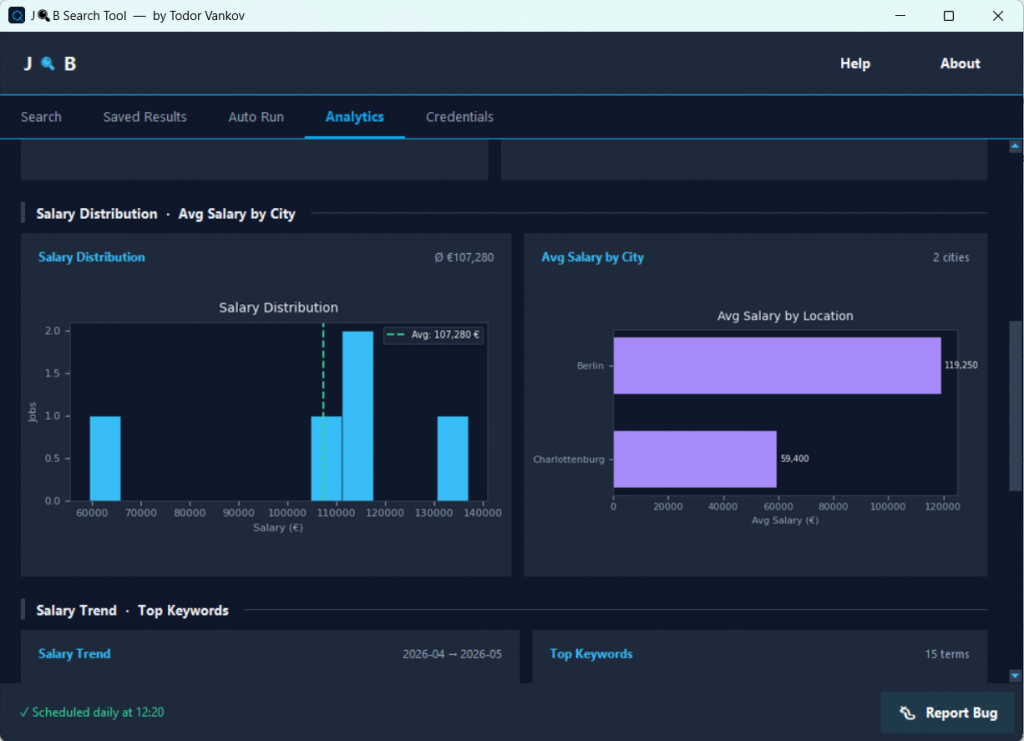
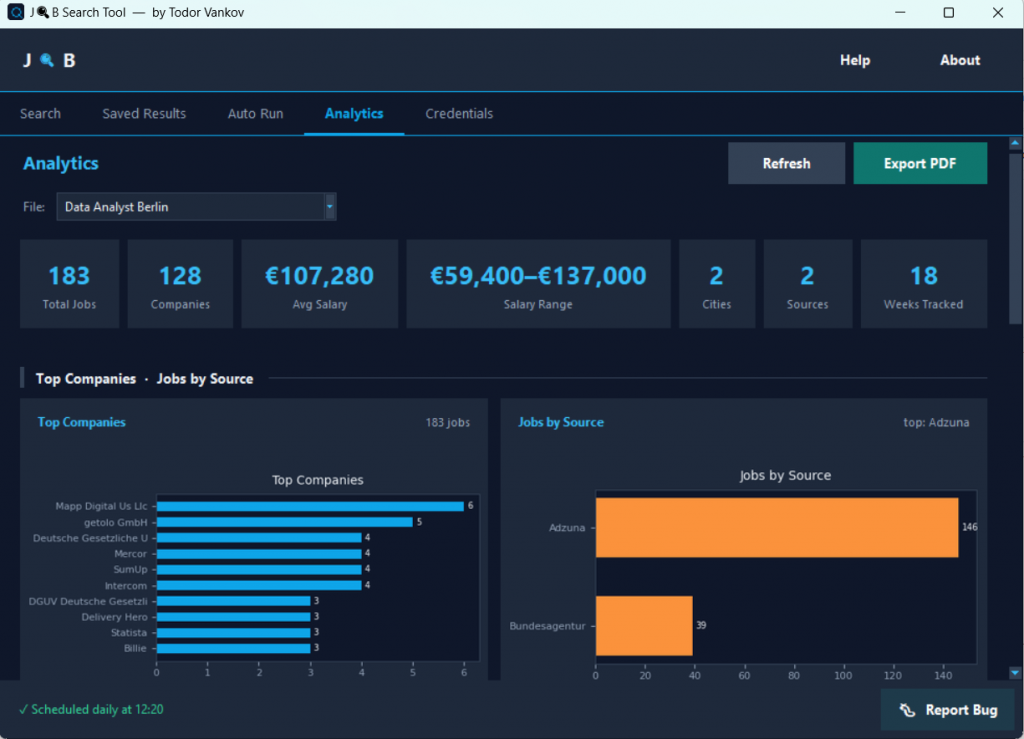
Analytics Tab with Charts
See which providers return the most results, track how search volume changes over time, and spot patterns in available roles — all visualized directly inside the application.
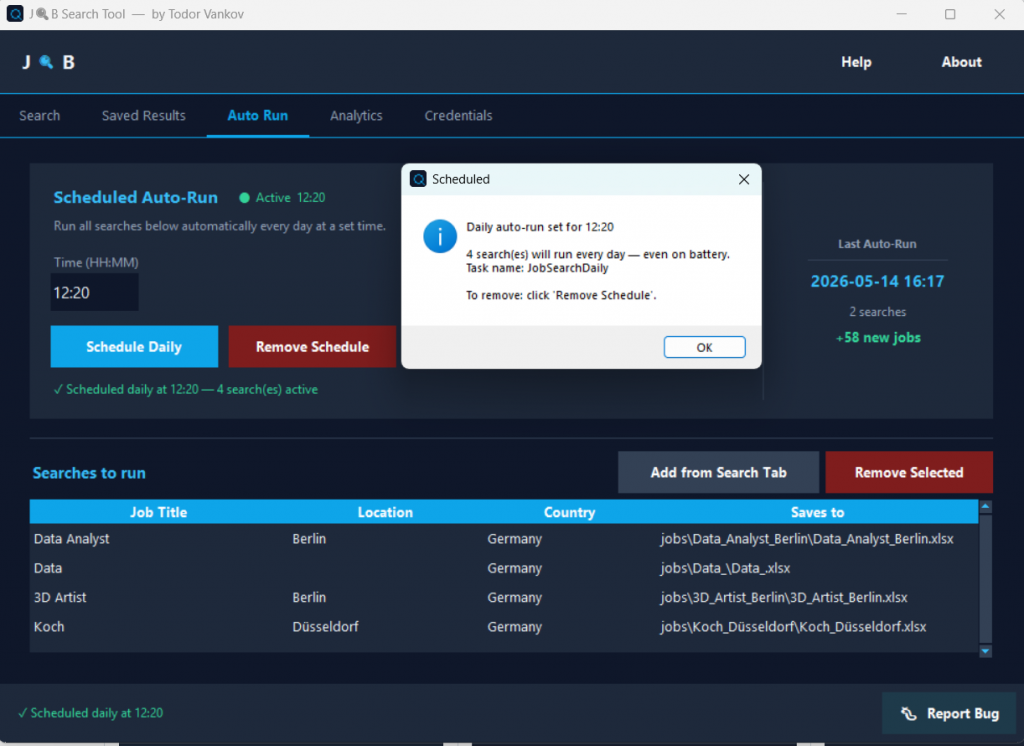
Daily Auto-Run via Windows Task Scheduler
This is the feature that transforms Job Search Tool into a genuine automated job search system. Configure it to run every day at a set time — without opening the app yourself. Wake up and your Excel file already has the latest listings from all your enabled providers.
Supported Platforms
Require a Free API Key
| Provider | Coverage |
|---|---|
| Adzuna | 19 countries |
| Reed | UK |
| Findwork | Tech / Remote |
| Jooble | 70+ countries |
| HeadHunter | Russia / CIS |
No Key Required — Ready Immediately
| Provider | Coverage |
|---|---|
| Bundesagentur für Arbeit | Germany |
| Arbeitnow | Europe |
| The Muse | USA |
| RemoteOK | Remote |
| WeWorkRemotely | Remote |
| Remotive | Remote |
| Himalayas | Remote |
How to Get Started
- Download and install — Run the installer (Windows 10/11, 64-bit). No Python required.
- Configure your providers — Paste your free API keys in the Credentials tab. The chip activates automatically.
- Run your first search — Keywords in, providers selected, hit Search. Results saved to Excel instantly.
- Set up the daily auto-scheduler — Pick a time, save. Done. Fresh jobs every morning.
- Review your results — Use the Saved Results browser, Analytics tab, or open your Excel file directly.
Download:
Stop searching one site at a time. Let Job Search Tool do the legwork.
Du kannst an zwei Stellen *(your link here)* durch deinen itch.io-Link ersetzen sobald die Seite live ist. Soll ich auch eine deutsche Version schreiben?